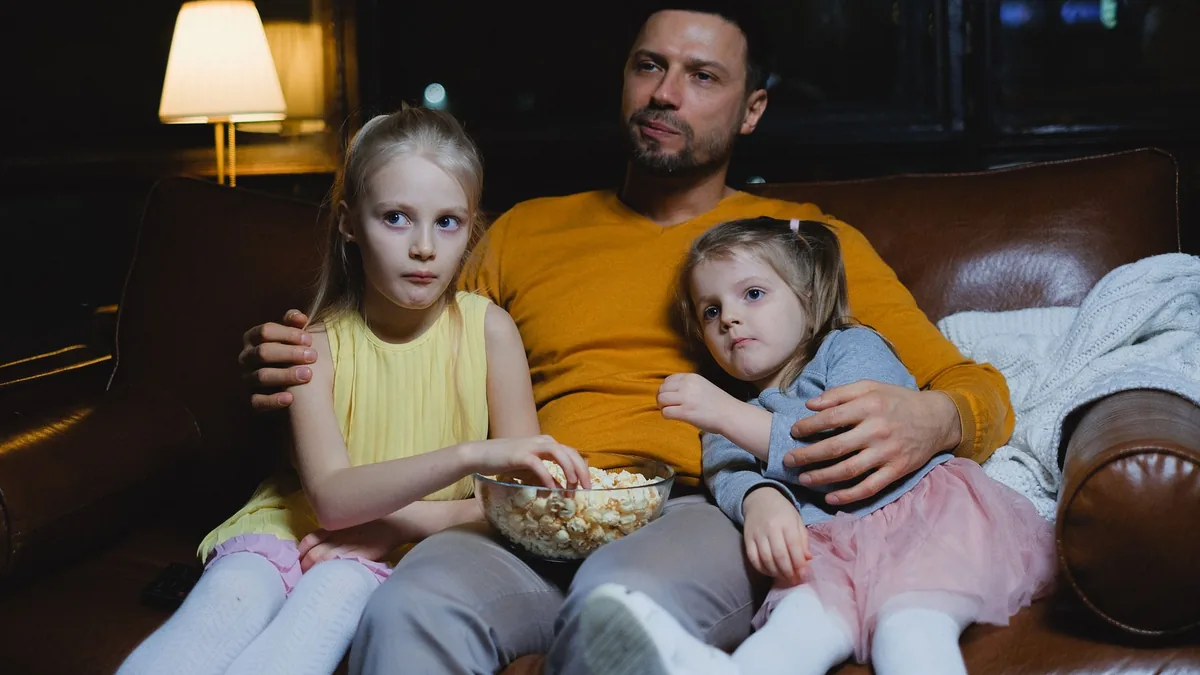
Choosing a Christmas film should be the easy part of the holidays. In practice, it can take longer to agree on something than to watch it: the youngest wants cartoons, the teenager wants anything but cartoons, Grandma wants a classic and nobody remembers which streaming service has what.
AI is a brilliant tie-breaker. Give it everyone’s ages and tastes, and it can suggest a shortlist that works for the whole room, flag anything that might be too scary for little ones, and turn it into a simple film-night plan for the holidays. This guide takes about 15 minutes and saves a lot of scrolling and squabbling.
Quick answer: Tell an AI chatbot who is watching, their ages, what they love and what they can’t stand, and which streaming services you have. Ask for a shortlist of Christmas films and TV specials that suit everyone, with the likely age rating and a one-line reason for each. Check ratings with the BBFC and availability on your services before film night.
New to AI? Start with our beginner’s guide.
What you’ll need
- Everyone’s ages and a few films or shows each person loves
- Anything to avoid, such as scary scenes for young children or films you’ve watched too often
- The streaming services, channels or DVDs you have access to
- An AI chatbot such as ChatGPT, Claude, Gemini or Grok
- About 15 minutes
Step-by-step: build a family Christmas watchlist with AI
- Describe your audience. Tell the AI who will be watching, their ages and tastes, and any hard no’s (prompt 1).
- Ask for a mixed shortlist. Request a mix of classics, newer films and short TV specials, with the likely age rating, running time and why it suits your family.
- Check the ratings. AI can get ratings wrong. Look up anything you’re unsure about on the BBFC website, which explains what U, PG and 12A or 12 mean and gives content advice for each film.
- Check where to watch. AI doesn’t know what’s on your services this week. Search each title in your streaming apps or TV guide and cross off anything you can’t get.
- Let everyone vote. Ask the AI to turn the shortlist into a quick family vote or a fair rota so each person gets to pick a night (prompt 2).
- Plan the film nights. Ask for a simple calendar across the holidays, with shorter films on school nights and a big classic on Christmas Eve or a quiet afternoon (prompt 3).
- Add a bit of fun. Ask for themed snacks, a film quiz or a “spot the Christmas jumper” game to go with each film (prompt 4).
Want something to do between films? Turn the evening into a game with our guide to writing a Christmas quiz for family and friends with AI. Hosting the whole family? See how to plan a budget Christmas party at home with AI, and for 31 December, plan a New Year’s Eve night in with AI with a film to see in midnight.
Copy-paste prompts
1. Our family film shortlist
We're planning Christmas film nights for [NUMBER] people: [LIST EVERYONE WITH AGE AND WHAT THEY LIKE, E.G. "AGE 5, LOVES ANIMATED ANIMALS; AGE 13, LIKES COMEDY; ADULTS LIKE CLASSICS"].
Please avoid [E.G. ANYTHING SCARY FOR THE 5-YEAR-OLD, FILMS WE'VE SEEN TOO OFTEN LIKE...].
Suggest 12 Christmas or winter films and TV specials that most of us would enjoy. For each one, give the likely UK age rating, running time and one line on why it suits our family. Mark the ones that are best for the youngest viewer and flag anything with scenes that might upset small children.
2. Run a fair family vote
Here is our shortlist of Christmas films: [PASTE LIST].
Turn it into a fun, fair way to choose, such as a simple ranked vote, a knockout bracket or a rota where each person picks one night. Keep it simple enough for a [YOUNGEST AGE]-year-old to join in.
3. Plan our holiday film nights
We have these films chosen: [PASTE FINAL LIST]. We're free on these evenings and afternoons: [DATES AND TIMES]. School finishes on [DATE].
Make a simple film-night calendar for the holidays. Put shorter films on nights before early starts, save the biggest favourite for [E.G. CHRISTMAS EVE], and finish films before [BEDTIME] for the children.
4. Snacks and games for film night
For each of these films: [PASTE LIST], suggest one easy themed snack and one simple game or quiz question we can do before or after watching. Keep the snacks cheap and quick, and the games suitable for ages [AGES].
Recommended tools
- ChatGPT: good at balancing lots of different tastes into one shortlist.
- Claude: thoughtful about which films might be too intense for sensitive children.
- Gemini: handy for adding film nights to a shared Google Calendar.
- Grok: quick for fun trivia questions and film quiz ideas.
Film nights go well with good food, so see how to plan a family Christmas dinner with AI. If streaming subscriptions are adding up, read how to plan Christmas spending with AI, and for a calmer end to the evening, try creating bedtime stories for children with AI.
Saving a film for Christmas Eve? Pack it into a Christmas Eve box planned with AI, with pyjamas, hot chocolate and a story for bedtime.
Tips and mistakes to avoid
- Check age ratings yourself. The BBFC says a U is generally unlikely to unsettle a four-year-old and a PG should not generally unsettle a child aged around eight, but some scenes may upset more sensitive children and it’s impossible to predict what might affect any particular child. Use its content advice for detail.
- Don’t trust AI on streaming availability. What’s on each service changes often, so always check in the app.
- Watch out for made-up titles. AI occasionally invents films or mixes up details. If you can’t find a title anywhere, skip it.
- Mix lengths. A 30-minute TV special can be perfect for a school night when a two-hour film isn’t.
- Give everyone a pick. A rota avoids the same person choosing every night.
- Keep the youngest in mind. If you’re watching all together, choose for the youngest viewer and save older picks for after their bedtime.
FAQ
Can AI recommend Christmas films for my family?
Yes. Tell it everyone’s ages and tastes and it can suggest a shortlist that suits the whole group, with a reason for each pick.
How do I know if a Christmas film is suitable for my child?
Check the BBFC age rating and its content advice for that film, and ask the AI to flag scenes that might upset young children.
Does AI know which films are on Netflix or Disney+?
Not reliably. Streaming catalogues change often, so use AI for ideas and check availability in your own apps.
What is the difference between 12A and 12?
12A is used for cinema releases, where under-12s can watch with an adult. 12 is used for home entertainment, and nobody under 12 may rent or buy a 12-rated video.
Try it yourself with ChatGPT
We're planning Christmas film nights for [NUMBER] people: [LIST EVERYONE WITH AGE AND WHAT THEY LIKE, E.G. "AGE 5, LOVES ANIMATED ANIMALS; AGE 13, LIKES COMEDY; ADULTS LIKE CLASSICS"].
Please avoid [E.G. ANYTHING SCARY FOR THE 5-YEAR-OLD, FILMS WE'VE SEEN TOO OFTEN LIKE...].
Suggest 12 Christmas or winter films and TV specials that most of us would enjoy. For each one, give the likely UK age rating, running time and one line on why it suits our family. Mark the ones that are best for the youngest viewer and flag anything with scenes that might upset small children.
Try the next prompt: once the holidays are over, sort the family photos with our guide to organising your digital photos with AI.
Get the free AI Agents Playbook
50 practical AI workflows, plus one practical how-to a week in your inbox.
Free. No spam. Unsubscribe any time.
Related guides
- How to use AI to plan Christmas holiday childcare and activities
- How to use AI to plan an advent calendar of activities for kids
- How to use AI to plan rainy day activities for kids
Read next
Reference: BBFC: Our age ratings