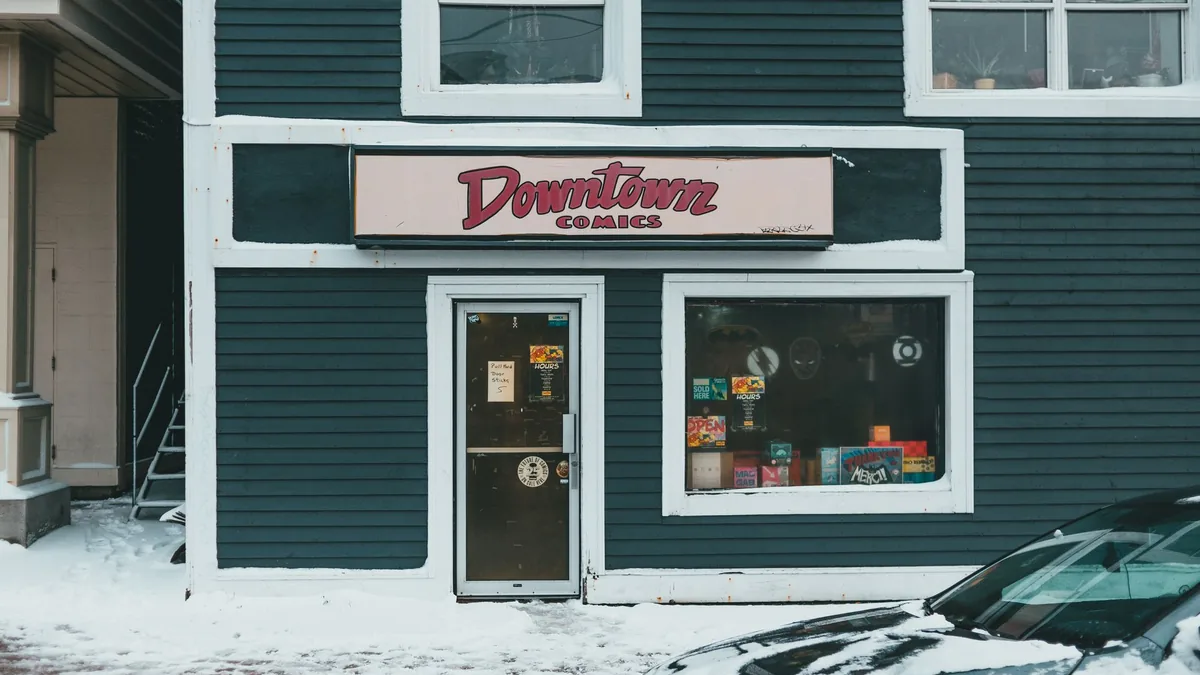
Snow, ice, storms and floods can force a small business to close, open late or cancel appointments at very short notice. When that happens, customers want to know quickly: are you open, what happens to their booking or order, and when will things be back to normal? A rushed, unclear post often leads to a flood of phone calls and frustrated people turning up at a locked door.
AI can help you prepare clear, calm notices in advance and adapt them in minutes when the weather turns. This guide shows you how to build a small “bad weather kit” of templates for your website, social media, email and shop door, so you can tell everyone at once and get back to dealing with the situation.
Quick answer: Before winter, ask an AI chatbot to draft short closure, late-opening and delivery-delay templates for your business, covering your website banner, social media, customer email, booking messages and a door sign. When a Met Office warning affects you, paste in the details (dates, what’s affected, what customers should do) and ask the AI to fill in the templates. Check the facts, then post everywhere and update your Google Business Profile hours.
New to AI? Start with our beginner’s guide.
What you’ll need
- Your business type, normal opening hours and how customers reach you
- Your booking, refund and delivery policies for closures
- The channels you use: website, social media, email list, booking system, Google Business Profile
- An AI chatbot such as ChatGPT, Claude, Gemini or Grok
- About 30 minutes to build the kit, then 5 minutes when you need it
Step-by-step: write a bad weather notice with AI
- Decide your rules in advance. Agree when you’ll close, open late or switch to collection or online only, and what happens to bookings and orders. Write it down in plain sentences.
- Watch official warnings. The Met Office issues yellow, amber and red weather warnings up to seven days ahead for rain, thunderstorms, wind, snow, lightning, ice, extreme heat and fog. An amber warning is a signal to think about changing plans, so it’s a sensible trigger for preparing a notice. A red warning means dangerous weather is expected and people should avoid travelling where possible.
- Create your template kit. Ask the AI to write templates for each scenario and channel (prompt 1). Save them in a shared document your team can reach from a phone.
- Fill in the details on the day. When weather affects you, paste the facts into the AI and ask it to complete the right template (prompt 2). Keep it short: what’s happening, what it means for customers, what they need to do and when you’ll update them.
- Contact affected customers directly. For booked appointments or deliveries, ask the AI to draft a personal message that offers to rebook or explains next steps (prompt 3).
- Update everywhere. Post on social media, add a website banner, update your Google Business Profile hours, change your phone voicemail and put a sign on the door if you can do so safely.
- Say when you’re back. Use the AI to write a short “we’re open again” update and a thank-you to customers for their patience (prompt 4).
Snow often arrives in the Christmas rush, so see how to plan Christmas posting deadlines with AI and warn customers early about delays. You can also write a Christmas email to customers with AI that mentions your bad weather plan, and add a short “what happens if we close?” answer when you write a website FAQ page with AI.
Copy-paste prompts
1. Build my bad weather template kit
I run a [TYPE OF BUSINESS] in [TOWN / AREA]. Customers usually reach us by [CHANNELS]. Our policy for weather closures is: [BOOKINGS, REFUNDS, DELIVERIES].
Write short, friendly templates for three scenarios: closed for the day, opening late or closing early, and orders or deliveries delayed. For each scenario, write versions for: a website banner (under 25 words), a social media post, a customer email, a text message for booked customers and a door sign. Use [SQUARE BRACKETS] for details I'll fill in on the day. British English.
2. Complete today’s notice
Use my [SCENARIO] template: [PASTE TEMPLATE].
Today's details: [WHAT'S HAPPENING, E.G. AMBER SNOW WARNING], we'll be [CLOSED / OPENING AT TIME] on [DATE]. Customers with bookings should [WHAT TO DO]. Orders will [WHAT HAPPENS]. We'll post an update by [TIME].
Fill in the template for each channel, keep it calm and clear, and don't add any promises I haven't listed.
3. Message to customers with bookings
Write a short, warm message to a customer whose appointment on [DATE] at [TIME] is cancelled because of [WEATHER]. Apologise briefly, explain the safety reason, offer these options: [REBOOK / REFUND / VIDEO CALL] and tell them how to reply. Under 80 words, suitable for text or email.
4. We’re open again
Write a short "we're open again" social media post and website banner for my [TYPE OF BUSINESS] after closing for [WEATHER] on [DATES]. Thank customers for their patience, mention [ANY CHANGES, E.G. EXTENDED HOURS, REBOOKING SLOTS] and keep it upbeat but not over the top.
Recommended tools
- ChatGPT: quick at producing the same message in several formats at once.
- Claude: strong at calm, careful wording for apologies and cancellations.
- Gemini: handy if you save templates in Google Docs and email customers from Gmail.
- Grok: fast for short, punchy social posts.
Remember to update your hours on Google too, so see how to manage your Google Business Profile with AI. For the wider festive season, read how to plan Christmas opening hours and staff rotas with AI, and for everyday posts, see AI social media posts for small businesses.
Tips and mistakes to avoid
- Prepare before the weather turns. Writing templates in November means a two-minute job on a snowy morning.
- Put the key fact first. “Closed today, Tuesday 9 December” should be the first line, not buried after an apology.
- Don’t over-promise. Only say you’ll reopen at a certain time if you’re confident; otherwise give a time for your next update.
- Use official information. Refer to Met Office warnings and local authority or travel updates rather than guessing about road conditions. You can get Met Office warnings through its app, email alerts and social media.
- Keep staff safety first. Make it clear your decision is about keeping staff and customers safe.
- Remember every channel. Customers who check Google Maps or call will miss a post that’s only on Instagram.
FAQ
What should a bad weather closure notice include?
State whether you’re closed, open late or delayed, the date, what it means for bookings and orders, what customers need to do and when you’ll next update them.
When should a business close for bad weather?
That’s your decision based on safety, staff travel and local conditions. Met Office warnings, especially amber and red, are a useful guide.
Can AI post my closure notice automatically?
Chatbots write the notice. You still need to post it, or use your scheduling tools, and check every detail first.
Should I update my Google Business Profile?
Yes. Changing your hours there helps people searching on Google or Maps see that you’re closed.
Try it yourself with Claude
I run a [TYPE OF BUSINESS] in [TOWN / AREA]. Customers usually reach us by [CHANNELS]. Our policy for weather closures is: [BOOKINGS, REFUNDS, DELIVERIES].
Write short, friendly templates for three scenarios: closed for the day, opening late or closing early, and orders or deliveries delayed. For each scenario, write versions for: a website banner (under 25 words), a social media post, a customer email, a text message for booked customers and a door sign. Use [SQUARE BRACKETS] for details I'll fill in on the day. British English.
Try the next prompt: closing for the Christmas break as well? See how to write holiday handover notes and an out-of-office with AI.
Get the free AI Agents Playbook
50 practical AI workflows, plus one practical how-to a week in your inbox.
Free. No spam. Unsubscribe any time.
Related guides
- How small businesses can use AI to answer customer emails
- How to use AI to draft a privacy notice and website policies
- How to use AI to reply to online reviews (good and bad)
Read next
Reference: Met Office: Weather warnings guide