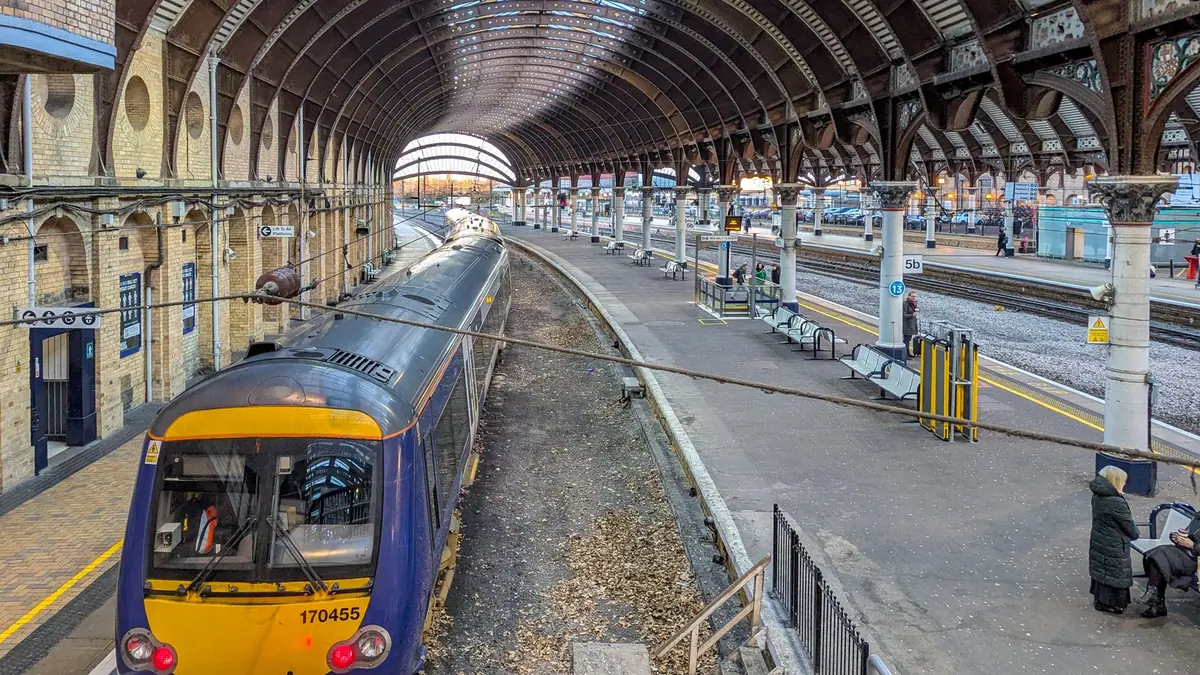
Getting home for Christmas by train sounds simple until you look at the dates. Network Rail does a lot of its biggest engineering work over the festive break, timetables change, and some days have early finishes or no trains at all. If you book the usual route without checking, you could end up on a rail replacement bus on Christmas Eve, or stuck with no way back after Boxing Day.
AI can’t see live timetables reliably, but it is very good at turning the official travel advice into a personal plan. Give it your dates, stations and who’s travelling, and it can build a checklist of what to check, a main plan with a backup, and a packing and timing plan for the day. This guide takes about 20 minutes, and it’s worth doing before you buy tickets.
Quick answer: Check the National Rail Christmas travel summary and Journey Planner for your dates first, then give an AI chatbot your stations, dates and travellers and ask for a main plan, a backup route and a checklist. For 2026, National Rail says there are no trains on Christmas Day, very few on Saturday 26 December, and early finishes on Christmas Eve and New Year’s Eve, so plan around those days.
New to AI? Start with our beginner’s guide.
What you’ll need
- Your starting and destination stations, and any stations where you usually change
- The dates you’d like to travel out and back, plus how flexible you are
- Who’s travelling: children, older relatives, luggage, presents, a bike or a pet
- The National Rail Journey Planner or your train company’s app, for the real times
- An AI chatbot: ChatGPT, Claude, Gemini, Grok or Microsoft Copilot
Step-by-step: plan Christmas train travel with AI
- Check the key dates. National Rail’s summary for 2026/27 covers Thursday 24 December to Monday 4 January. Trains on many routes finish earlier than normal on Christmas Eve, there are no National Rail services on Christmas Day, and most operators run no service on Saturday 26 December. This year the Boxing Day bank holiday falls on Monday 28 December, when trains will run.
- Look for engineering work on your route. National Rail lists major works, including no trains at Birmingham New Street from 24 to 28 December, big changes to journeys to and from London Paddington from 27 December to 3 January, and no Greater Anglia trains between London Liverpool Street and Shenfield from 27 December to 3 January. Paste the relevant notices into the AI and ask what they mean for your trip (prompt 1).
- Build a main plan and a backup. Give the AI your stations, dates and travellers and ask for a plan for each journey, with a second option if your route is closed or your train is cancelled (prompt 2). Then check every train it suggests in the Journey Planner, because AI can invent or misremember times.
- Plan the travel day. Ask for a simple timeline: when to leave home, how long to allow for changes, what to do about luggage and presents, and snacks and entertainment for children (prompt 3).
- Keep checking. National Rail says timetables are still being finalised and asks you to keep re-checking your journey until you set off. Ask the AI for a short checklist of when to check again, such as the week before and the morning you travel.
- Know what to do if it goes wrong. If your train is delayed or cancelled, you may be entitled to some or all of your money back. Ask the AI to help you note down the details you’ll need for a claim (prompt 4).
Copy-paste prompts
1. Explain the engineering work on my route
I'm travelling by train from [STATION] to [STATION] on [DATE], usually changing at [STATION]. Here is the official engineering work notice for my route: [PASTE NOTICE]. Explain in plain English what this means for my journey, which days are affected, and what questions I should check in the National Rail Journey Planner. Don't make up train times.
2. Make a main plan and a backup plan
Help me plan Christmas train travel. Out: [FROM] to [TO] between [DATES]. Back: between [DATES]. Travellers: [WHO, INCLUDING CHILDREN OR OLDER RELATIVES]. Luggage: [WHAT WE'RE CARRYING]. Known disruption: [PASTE WHAT YOU FOUND]. For each journey, suggest the best day and time of day to travel, a backup option if my route is closed or my train is cancelled, and what to check before booking. Present it as a table.
3. Plan our travel day
Make a simple timeline for our train journey on [DATE] from [FROM] to [TO], leaving at [TIME] with a change at [STATION]. We are [TRAVELLERS]. Include when to leave home, how much time to allow for the change, what to pack in our hand luggage, and 5 ideas to keep children busy on the train. Keep it to one page.
4. Help me claim for a delay
My train from [FROM] to [TO] on [DATE], due at [TIME], was [DELAYED BY X MINUTES / CANCELLED]. I travelled with [TICKET TYPE] bought from [WHERE]. Make a short checklist of the details and evidence I should gather to claim money back from the train company, and draft a polite, clear claim message I can adapt.
Recommended tools
- ChatGPT: turns official notices and your dates into a clear plan and checklist.
- Claude: good at reading long engineering work notices and explaining them simply.
- Gemini: handy if you want the plan saved to Google Docs or reminders in Google Calendar.
- Microsoft Copilot: useful for turning the plan into a printable table.
- Grok: quick answers when you need a short list of backup ideas.
If the trains don’t work for your dates and you end up driving, read how to get your car ready for winter with AI first. Travel is often one of the biggest festive costs, so add it to your Christmas spending plan with AI, and if a cancelled train leaves you out of pocket, our guide to writing a complaint letter with AI helps you make a clear claim.
Before you set off, see how to secure your home when you go away for Christmas with AI.
Tips and mistakes to avoid
- Never trust AI train times. Chatbots can’t reliably see live timetables. Always check the Journey Planner or your train company before you book or set off.
- Avoid the tightest days. Christmas Eve and New Year’s Eve have early finishes on many routes, so travel earlier in the day if you can.
- Don’t forget the return. With no trains on Christmas Day and very few on 26 December, plan how you’ll get back before you set off.
- Check the whole journey. A route that works from your home station may still be affected by work at a station where you change.
- Re-check close to the day. Timetables can change, so check the week before and again on the morning you travel.
- Keep tickets and receipts. You’ll need them if you claim money back for a delay or cancellation.
FAQ
Are there trains on Christmas Day 2026?
No. National Rail says there will be no National Rail services on Christmas Day, Friday 25 December, as usual.
Do trains run on Boxing Day?
National Rail says most train operators will have no service on Saturday 26 December, with a very limited service from a small number of operators. The Boxing Day bank holiday is on Monday 28 December this year, when trains will run.
Can AI find me the cheapest train tickets?
It can help you think about when and how to travel, but it can’t reliably see live fares or times. Use the National Rail Journey Planner or your train company’s website for real prices.
Try it yourself with ChatGPT
I'm travelling by train from [STATION] to [STATION] on [DATE], usually changing at [STATION]. Here is the official engineering work notice for my route: [PASTE NOTICE]. Explain in plain English what this means for my journey, which days are affected, and what questions I should check in the National Rail Journey Planner. Don't make up train times.
Try the next prompt: once your journey is booked, plan the rest of the break with our guide to planning a New Year’s Eve party or night in with AI.
Read next
Get the free AI Agents Playbook
50 practical AI workflows, plus one practical how-to a week in your inbox.
Free. No spam. Unsubscribe any time.
Reference: National Rail: Christmas and New Year 2026/27 travel summary