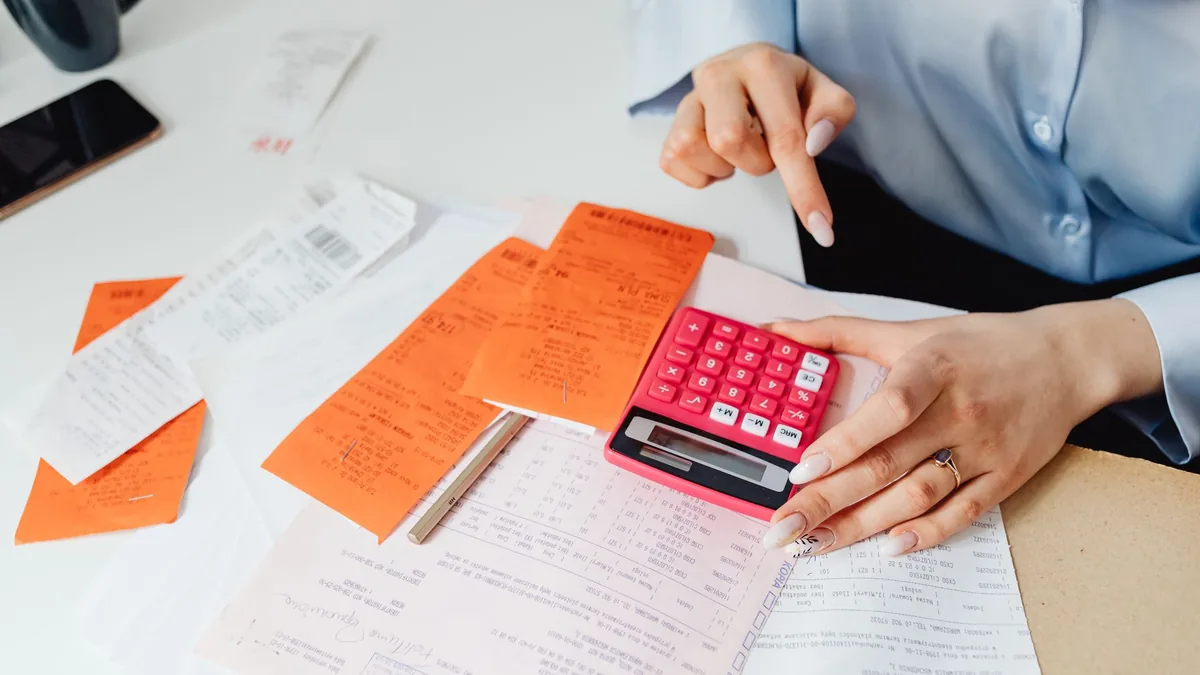
If you’re self-employed, receipts have a habit of piling up in coat pockets, inboxes and the bottom of your bag. Then January arrives, the Self Assessment deadline looms, and you’re trying to remember whether that train ticket in March was for a client or a day out. Keeping on top of expenses as you go saves money, stress and late nights.
AI can make the boring bits much quicker. It can help you set up a simple spreadsheet, suggest categories that match how allowable expenses are grouped, turn a messy list of transactions into tidy rows and flag things you should double-check. It can’t decide what’s allowable for your business; that comes from HMRC guidance and, if needed, an accountant. This guide takes about an hour to set up, then ten minutes a week.
Quick answer: Ask an AI chatbot to help you build a simple expenses spreadsheet with date, supplier, amount, category, business percentage and a receipt link. Use categories based on GOV.UK’s guidance on expenses if you’re self-employed. Each week, paste your transactions in and ask the AI to sort them and flag anything unclear. Check what counts as allowable on GOV.UK and keep your receipts.
New to AI? Start with our beginner’s guide to AI in everyday life.
What you’ll need
- Your business bank statements or exported transactions (CSV is easiest)
- Your receipts, paper or digital
- A spreadsheet (Google Sheets or Excel) and a folder for receipt photos
- An AI chatbot and about an hour
- GOV.UK’s guidance on expenses if you’re self-employed
Step-by-step: organise freelance expenses with AI
- Set up one place for receipts. Make a cloud folder and photograph paper receipts as soon as you get them. Name files with the date and supplier.
- Build your sheet. Ask the AI for a simple layout (prompt 1). Include columns for the date, supplier, description, amount, category, business use percentage, receipt link and notes.
- Choose your categories. GOV.UK groups allowable expenses into areas such as office costs, travel, clothing, staff, stock, financial costs, premises, advertising and training. Use similar categories so your totals line up with your tax return.
- Sort your transactions. Each week, remove personal details you don’t need, paste transactions in and ask the AI to suggest a category for each (prompt 2). Check every suggestion.
- Handle mixed use carefully. Phones, home working and cars are often part business, part personal. Ask the AI to explain the options in plain English (prompt 3), then check GOV.UK, as there are specific rules and simplified expenses you may be able to use.
- Review monthly. Ask for a summary by category and a list of missing receipts. It’s much easier to chase a receipt from last month than last year.
- Prepare for your return. Before the deadline, ask the AI to help you produce category totals and a checklist (prompt 4). If anything is unclear, ask an accountant or HMRC.
Copy-paste prompts
1. Design my expenses sheet
I'm a self-employed [YOUR WORK] in the UK. I usually spend money on [TYPICAL COSTS]. I use [GOOGLE SHEETS / EXCEL].
Design a simple expenses spreadsheet with columns for date, supplier, description, amount, category, business use percentage, business amount (formula), receipt link and notes. Suggest categories similar to GOV.UK's allowable expense groups for the self-employed, plus a monthly summary tab with formulas.
2. Sort my transactions
Here are this week's transactions from my business account: [PASTE DATE, SUPPLIER, AMOUNT]
My work is [YOUR WORK]. Suggest a category for each from this list: [YOUR CATEGORIES]. Put anything that might be personal, mixed use or unclear in a separate "check" list with a short reason. Don't assume anything is allowable; I'll check the rules.
3. Explain mixed-use costs
I'm self-employed and I use my [PHONE / HOME / CAR] for both work and personal life. Roughly [DETAILS OF USE].
Explain in plain English the general ways people work out the business part of costs like this, including any simplified expenses options. List the questions I should check on GOV.UK or with an accountant. Don't give me a final figure.
4. Year-end checklist
Here are my category totals for the tax year: [PASTE TOTALS]. Missing receipts: [LIST].
Write a checklist to get ready for my Self Assessment return: what to double-check, records to keep and questions to ask an accountant. Flag any totals that look unusually high or low for a [YOUR WORK] so I can review them.
Recommended tools
- ChatGPT: good for spreadsheet formulas and sorting lists.
- Claude: handy for reading long statements and spotting gaps.
- Gemini: useful inside Google Sheets.
- Microsoft Copilot: helpful if you work in Excel.
- Accounting apps: many freelance banking and bookkeeping apps can capture receipts automatically.
If you send quotes, see how to write quotes and proposals for clients so your paperwork matches your invoices. Before talking to a professional about tax or pensions, prepare for your meeting with a financial adviser, and if you’re considering a business loan, compare loans and understand interest first.
Tips and mistakes to avoid
- Check what’s allowable. Use GOV.UK, not the AI, as the final word. Rules change and individual situations differ.
- Keep your records. You need to keep records and receipts for several years after the deadline, so don’t throw them away after filing.
- Protect your data. Remove account numbers and personal details before pasting statements into a chatbot.
- Separate business and personal. A separate bank account makes everything simpler.
- Do it weekly. Ten minutes a week beats a whole weekend in January.
- Ask for help when unsure. An accountant can often save you more than they cost.
- Don’t forget Making Tax Digital. Depending on your income, you may need compatible software for quarterly updates; check GOV.UK.
FAQ
Can AI do my tax return?
No. It can help you organise records and understand terms, but you’re responsible for your return. Use HMRC’s guidance, approved software or an accountant.
Is it safe to paste bank statements into AI?
Remove account numbers, addresses and anything you don’t need. Check your chatbot’s privacy settings, and consider summarising instead.
What if I’ve lost a receipt?
Bank statements, emails and invoices can help support a claim. Note what it was for, and try to get a copy from the supplier.
Try it yourself with ChatGPT
I'm a self-employed [YOUR WORK] in the UK. I usually spend money on [TYPICAL COSTS]. I use [GOOGLE SHEETS / EXCEL].
Design a simple expenses spreadsheet with columns for date, supplier, description, amount, category, business use percentage, business amount (formula), receipt link and notes. Suggest categories similar to GOV.UK's allowable expense groups for the self-employed, plus a monthly summary tab with formulas.
Get the free AI Agents Playbook
50 practical AI workflows, plus one practical how-to a week in your inbox.
Free. No spam. Unsubscribe any time.
Related guides
- How to use AI to track your spending
- How to use AI to understand your payslip
- How to use AI to make a monthly budget
Real examples
How people have used AI for this, each with a prompt you can copy:
Reference: GOV.UK: Expenses if you’re self-employed