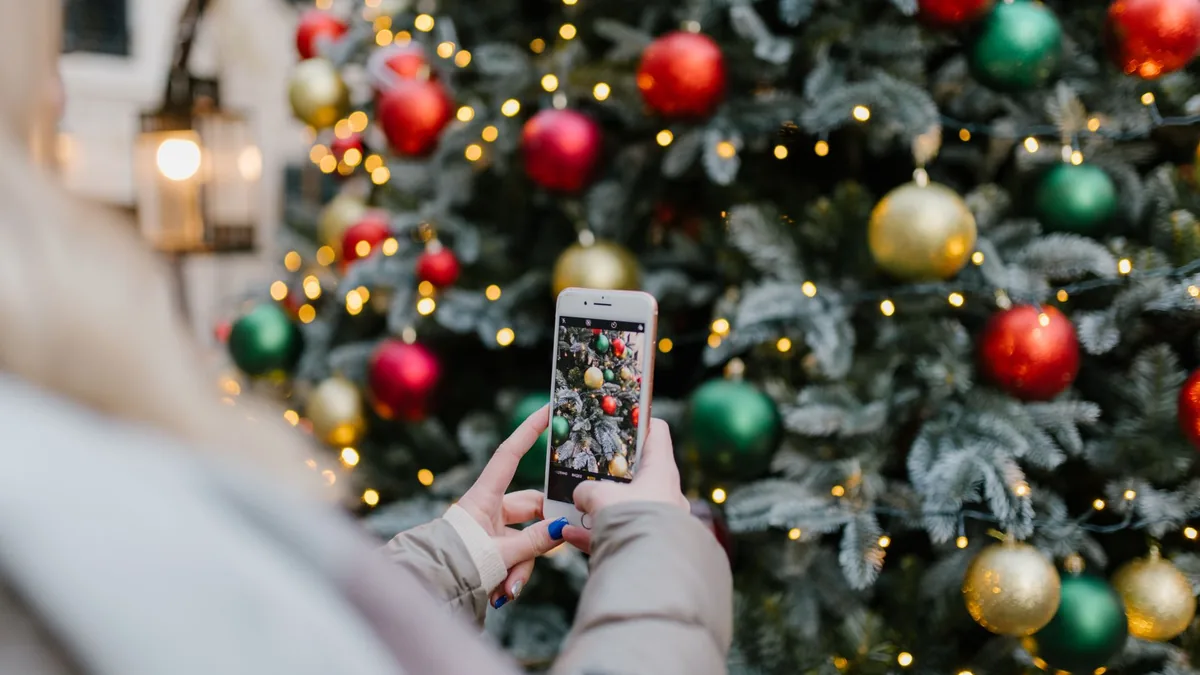
Every December the same thing happens: your camera roll fills with tree lights, school plays, food and family faces, and by New Year you’ve posted almost none of it. A Christmas Instagram Reel is a short vertical video made from those photos and clips, set to music, that works as a gift for grandparents, a year-in-photos for friends, or festive content if you create online.
AI won’t shoot the video for you, but it will help you choose which photos to use, write a hook and on-screen text, and build a shot list you can drop into CapCut, Canva or Instagram’s own Reel editor. This guide takes about 20 to 30 minutes once your photos are in one album, and it’s written for family Christmas Reels rather than generic photo montages.
Quick answer: Gather 12 to 20 Christmas photos or short clips in one album. Ask an AI chatbot for a 15 to 30-second Reel shot list with on-screen text, a first-line hook and a caption. Instagram says you can record Reels up to 20 minutes, but Reels over 3 minutes are not recommended to new audiences, so keep a family highlight Reel short. Build it in CapCut, Canva or Instagram, then add music you have the right to use.
New to AI? Start with our beginner’s guide.
What you’ll need
- 12 to 20 Christmas photos or short clips (tree, food, faces, one funny blooper if you have it)
- A clear idea of who it’s for (family album, friends, followers or a client gift)
- An AI chatbot: ChatGPT, Claude, Gemini or Grok
- CapCut, Canva or the Instagram app to assemble the Reel
- About 20 to 30 minutes
Step-by-step: make a Christmas Reel from photos with AI
- Gather and trim the set. Put this year’s Christmas photos in one album. Ask the AI to suggest a shortlist of 8 to 12 images that tell a simple story: setup, people, food, gift, quiet moment (prompt 1).
- Pick a length and beat. Instagram’s help pages say you can record Reels up to 20 minutes, but Reels over 3 minutes won’t be recommended to new audiences. For a family Christmas highlight, aim for 15 to 30 seconds.
- Write the shot list. Ask the AI for a second-by-second plan: which photo appears when, what on-screen text to show, and where to cut (prompt 2).
- Draft the hook and caption. The first line on screen and the caption decide whether people watch. Ask for three hook options and a caption with a soft call to action (prompt 3).
- Build the edit. In CapCut, Canva or Instagram, drop the photos in order, set each to about 1.5 to 2.5 seconds, add the on-screen text and a cover frame.
- Add music carefully. Use Instagram’s music library or audio you have rights to. Ask the AI for mood keywords (warm, cosy, playful) rather than naming a copyrighted track you can’t use.
- Check faces and privacy. Before you post, confirm everyone in the Reel is happy to appear, especially children. Save a private version for family if needed.
- Post or send. Share to Reels, or export and send as a message gift. Save the shot list so next Christmas is faster.
Copy-paste prompts
1. Shortlist my Christmas photos for a Reel
I want a Christmas Instagram Reel for [FAMILY / FRIENDS / FOLLOWERS]. Here are my photos described in order (or attached): [LIST OR DESCRIBE 12 TO 20 PHOTOS].
Suggest a shortlist of 8 to 12 that tell a simple story (setup, people, food or activity, gift or surprise, quiet ending). Say which to skip and why. Keep it warm and suitable for [AUDIENCE].
2. Make a 20-second Christmas Reel shot list
Create a shot list for a [15 / 20 / 30]-second Christmas Instagram Reel using these photos: [SHORTLIST].
For each second range, say: which photo, on-screen text (max 6 words), and any transition. Open with a hook line on screen. End on a warm final frame. Tone: [COSY / PLAYFUL / NOSTALGIC]. British English.
3. Hooks and caption for a Christmas Reel
Write 3 hook lines (under 8 words) for a Christmas Reel about [TOPIC, E.G. OUR FAMILY CHRISTMAS MORNING], plus one Instagram caption (under 150 words) with a soft call to action and 5 relevant hashtags. Avoid cringe and overused phrases like "living my best life". British English.
4. Turn this into Canva or CapCut steps
Using this shot list: [PASTE SHOT LIST]
Give me simple click-by-click steps to build it in [CAPCUT / CANVA / INSTAGRAM REELS], including suggested clip length per photo and where to add text. Assume I'm a beginner.
Recommended tools
- ChatGPT, Claude, Gemini or Grok: shot lists, hooks and captions
- Canva: easy photo-to-video Reels with templates
- CapCut: tighter control over timing and text
- Instagram Reels: record or upload, trim, cover photo and share (see Instagram’s help for the current steps)
Need a wider batch of festive clip ideas first? See how to brainstorm TikTok and Reels ideas with AI. Tidying the camera roll before you edit is easier with quick AI photo edits for social media, and if you run a shop, pair this with a Christmas social media plan for your shop.
Tips and mistakes to avoid
- Shorter usually wins. A tight 20-second family Reel is easier to watch than a three-minute dump of every photo.
- One story, not every photo. Setup → people → moment → ending beats a random slideshow.
- Readable text. Big words, high contrast, and no more than a few words per frame.
- Mind the music licence. Prefer Instagram’s library or audio you own.
- Ask before you post children’s faces. A private share can be the better gift.
- Don’t let AI invent memories. Only use events and details that actually happened.
FAQ
How long should a Christmas Instagram Reel be?
For a family highlight, 15 to 30 seconds is plenty. Instagram allows Reels up to 20 minutes, but says Reels over 3 minutes won’t be recommended to new audiences.
Is this different from a generic photo slideshow?
Yes. This guide is framed around Christmas family or gift Reels: a festive hook, a short story order and a caption people might actually read, not just an auto-montage of every picture.
Do I need CapCut, or can I stay in Instagram?
Either works. Instagram’s own Reel tools are enough for a simple photo sequence; CapCut or Canva help if you want tighter timing and text styles.
Try it yourself with ChatGPT
I want a Christmas Instagram Reel for [FAMILY / FRIENDS / FOLLOWERS]. Here are my photos described in order (or attached): [LIST OR DESCRIBE 12 TO 20 PHOTOS].
Suggest a shortlist of 8 to 12 that tell a simple story (setup, people, food or activity, gift or surprise, quiet ending). Say which to skip and why. Keep it warm and suitable for [AUDIENCE].
Try the next prompt: write the caption and first comment with our guide to writing Instagram captions with AI
Read next
Get the free AI Agents Playbook
50 practical AI workflows, plus one practical how-to a week in your inbox.
Free. No spam. Unsubscribe any time.
Reference: Instagram Help: Record a reel on Instagram