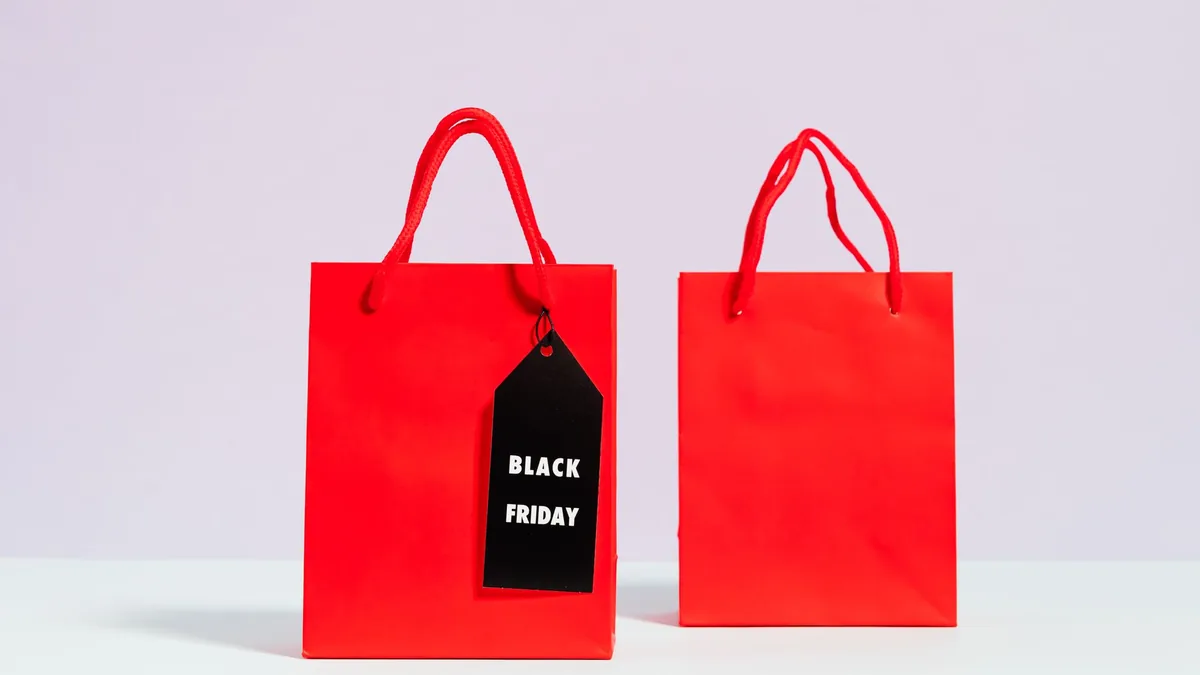
Black Friday falls on 27 November this year, but the “early deals” emails have already started. Countdown timers, “lowest price ever” banners and limited stock warnings are all designed to make you buy quickly, and it’s very easy to spend far more than you meant to on things you didn’t really need.
AI can act as a calm, slightly sceptical shopping assistant. It can help you set a firm budget, turn vague wants into a short priority list, work out what a genuinely good price looks like and talk you out of impulse buys. This guide takes about 30 minutes to set up before the sales start, plus a few minutes per purchase on the day.
Quick answer: Before the sales, tell an AI chatbot your total budget and what you actually need, and ask it to turn that into a ranked wish list with a target price for each item. On the day, paste in each deal and ask it to check the claim, compare it with the price history you’ve found and flag reasons not to buy. Stick to the list and the cap.
New to AI? Start with our beginner’s guide.
What you’ll need
- Your monthly budget or a rough idea of what you can afford this month
- A list of things you’ve been meaning to buy, plus any Christmas presents
- A price-tracking site or the price history shown by a comparison site
- An AI chatbot such as ChatGPT, Gemini, Claude or Grok (Perplexity is handy for checking prices with sources)
- About 30 minutes before the sales, and 5 minutes per item on the day
Step-by-step: plan Black Friday shopping with AI
- Set a hard cap first. Decide what you can spend without touching savings or using credit you can’t clear. Ask the AI to sanity-check the number against your bills and other December costs (prompt 1).
- Build a ranked wish list. List everything you’re tempted by and ask the AI to sort it into “need”, “would be nice” and “skip”, with a sensible target price for each (prompt 2).
- Research normal prices now. Look up each item’s current price and recent price history. A deal is only good if it beats the price the item usually sells for, not the “was” price on the banner.
- Set up price alerts. Use a price tracker or retailer alerts for the items on your list, so you don’t have to scroll through hundreds of deals.
- Check each deal before you buy. Paste the product, the deal price, the claimed saving and any price history into the AI and ask it to judge whether it’s genuine (prompt 3).
- Run a quick impulse check. For anything not on your list, ask the AI to play devil’s advocate before you click buy (prompt 4).
- Track what you spend. Keep a running total as you go, and stop when you hit your cap.
Paying for the sales on a credit card you’re already clearing? Check your debt payoff plan with AI first, and if you save up for big buys, a sinking fund for Christmas and gifts keeps sale spending out of your bills money. If something arrives faulty or late, our guide to writing a complaint letter with AI helps you ask for a refund or repair.
Copy-paste prompts
1. Set my Black Friday budget
I want to set a Black Friday budget. My take-home pay this month is [AMOUNT]. My fixed bills are [AMOUNT], and I still need to cover [CHRISTMAS COSTS, TRAVEL, OTHER DECEMBER SPENDING]. I have [AMOUNT] in savings and I don't want to use credit I can't clear this month.
Suggest a realistic maximum to spend in the sales, explain your reasoning in plain English, and tell me what to cut if my list goes over it.
2. Turn my wants into a ranked wish list
Here is everything I'm thinking of buying in the Black Friday sales: [LIST ITEMS]. My budget is [AMOUNT].
Sort the list into Need, Nice to have and Skip, with one line explaining each choice. For each Need and Nice to have item, suggest what I should check before buying (specs, size, compatibility) and a target price I should wait for. Present it as a table.
3. Is this deal genuine?
Help me judge this deal. Product: [PRODUCT AND MODEL NUMBER]. Retailer: [RETAILER]. Deal price: [PRICE]. Claimed saving: [WAS PRICE OR PERCENTAGE]. Price history I found: [E.G. LOWEST PRICE IN THE LAST 6 MONTHS, TYPICAL PRICE].
Is this a genuine saving compared with the usual price? List any warning signs, questions to check (warranty, returns, older model) and give me a clear verdict: buy now, wait or skip.
4. Talk me out of an impulse buy
I'm about to buy [ITEM] for [PRICE] in a Black Friday sale. It wasn't on my list. Ask me 5 short, honest questions to check whether I really need it, then give me the strongest reasons to wait, and a cheaper alternative if there is one.
Recommended tools
- ChatGPT: good at building budgets and ranked lists, and at asking you the awkward questions.
- Perplexity: searches the web and shows its sources, so it’s useful for checking current prices and reviews.
- Gemini: handy if your lists live in Google Sheets or Keep.
- Claude: clear, careful reasoning when you’re comparing several similar products.
- Grok: quick, blunt second opinions on whether a deal is worth it.
Before you commit to an expensive item, see how to research a big purchase with Perplexity, and if it’s a gadget, our guide to choosing a new phone or laptop with AI helps you compare specs. Buying presents in the sales? Start with Christmas gift ideas from AI, and learn to spot scam emails and texts, because fake “deal” messages peak in late November.
Run a shop yourself? See the other side of the sales with our guide to planning a Black Friday sale for your small business with AI.
Found a bargain from a shop you don’t know? Check it first with our guide to shopping safely online and spotting fake shops with AI.
Adding small gifts to your Black Friday list? Our guide to stocking filler ideas on a budget with AI helps you plan each stocking and avoid duplicates.
Tips and mistakes to avoid
- Ignore the “was” price. When Which? checked 175 Black Friday deals from 2024, every one was the same price or cheaper at some point in the six months before or after, so compare with price history instead.
- Check the model number. Some deals are on older or slightly different models made for the sales.
- Don’t trust AI with live prices. Chatbots can be out of date or simply wrong about prices, so always check the retailer and a price tracker yourself.
- Pay safely. Using a credit card for purchases over £100 gives you extra protection under Section 75, but only if you can clear the balance.
- Know your returns rights. You usually have 14 days to cancel most online orders, but check the retailer’s policy before you buy.
- Beware urgent messages. Fake delivery texts and “exclusive deal” emails surge around Black Friday. Go to the retailer’s site directly.
FAQ
Are Black Friday deals worth it?
Some are, but many aren’t as special as they look. Compare the deal with the item’s usual price over the last few months, not the advertised “was” price.
Can AI find the best Black Friday deals for me?
It can help you judge deals and plan, but most chatbots can’t reliably see live prices. Use a price tracker or comparison site for the actual numbers.
How do I stop overspending in the sales?
Set a cap before the sales start, shop only from a ranked list and keep a running total. Asking AI to challenge impulse buys helps too.
Is it better to wait until after Black Friday?
Often prices are similar or lower in the weeks after, so if an item isn’t at a price you’re happy with, waiting is usually fine.
Try it yourself with ChatGPT
I want to set a Black Friday budget. My take-home pay this month is [AMOUNT]. My fixed bills are [AMOUNT], and I still need to cover [CHRISTMAS COSTS, TRAVEL, OTHER DECEMBER SPENDING]. I have [AMOUNT] in savings and I don't want to use credit I can't clear this month.
Suggest a realistic maximum to spend in the sales, explain your reasoning in plain English, and tell me what to cut if my list goes over it.
Try the next prompt: brainstorm thoughtful presents for everyone on your list with the prompts in our guide to finding Christmas gift ideas with AI.
Get the free AI Agents Playbook
50 practical AI workflows, plus one practical how-to a week in your inbox.
Free. No spam. Unsubscribe any time.
Related guides
- How to use AI to plan for Christmas and holiday spending
- How to use AI to make a monthly budget
- How to use AI to track your spending
- How to use AI to compare broadband and mobile deals
More ideas to try
Real examples from people who tried something similar:
- Get a second opinion on glasses frames from Gemini
- Choose school supplies your child will actually like with ChatGPT
- Make sense of a pile of gifted skincare products with ChatGPT
For more, see AI for money and shopping.
Read next
Real examples
How people have used AI for this, each with a prompt you can copy:
Reference: Which?: Are Black Friday deals real? How to spot a fake