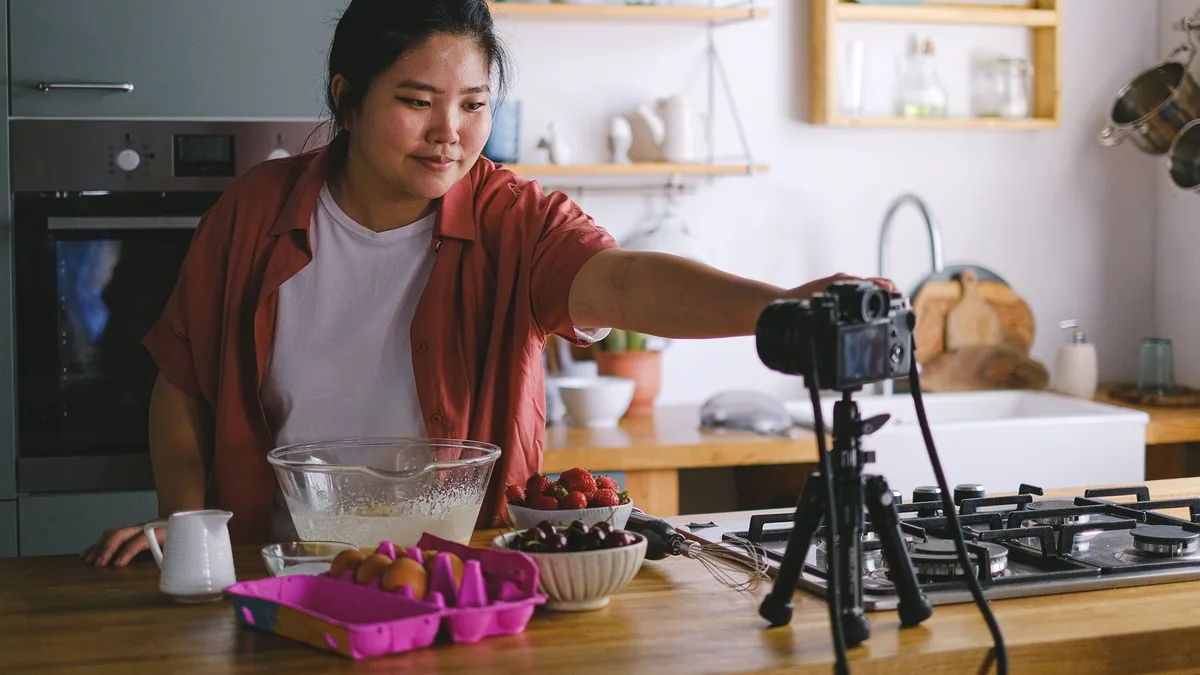
Maybe you’ve filmed three videos this year and posted one. Maybe you have a podcast idea you’ve been talking about since the summer. Maybe you sell candles on Etsy and know you “should be on TikTok”, or you run a small blog that hasn’t had a new post since spring. Most people who want to make content don’t struggle with talent. They struggle with ideas on a Tuesday night, a blank script, an editing backlog and the feeling that everyone else posts every day.
AI assistants such as ChatGPT, Claude and Gemini, and design tools such as Canva, can take a lot of that weight off. They can brainstorm, outline, draft captions, suggest hooks, help you plan a month in an afternoon and turn one long video into a week of short posts. What they can’t do is be you. This guide shows you how to use AI for each stage of making content, with copy-paste prompts, honest warnings and links to our step-by-step guides for every platform.
Quick answer: Use AI as a planning and drafting partner, not as the creator. Ask it for ideas based on your real audience, an outline for each video, podcast or post, a first-draft script or caption, and a content calendar you can actually keep. Then add your own stories, voice and footage, check every fact, label realistic AI-generated images or video where YouTube and TikTok ask you to, and always mark paid posts as ads.
New to AI? Start with our complete beginner’s guide.
In this guide
- Start with your situation
- What AI is good at for creators, and what it isn’t
- Find ideas your audience actually wants
- Plan a content calendar you’ll actually keep
- Scripts and outlines for YouTube, Reels and TikTok
- Thumbnails, photos and visuals
- Podcasts and long-form audio
- Captions, posts and replies
- Repurpose one idea into many
- Brand deals, side income and the business side
- Where AI gets content wrong
- Your weekly AI workflow
- Which AI tools should creators use?
- FAQ
Start with your situation
Creators come in all shapes. Find the one closest to you, then jump to the sections you need.
If you’re just starting and don’t know what to post
You need a niche, a handful of content pillars and a simple routine. Start with the ideas and planning sections below, then read our guide to planning a content calendar as a creator.
If you have ideas but never finish anything
Your problem is usually the middle: scripts, editing and the fiddly bits. AI is very good at turning a rough idea into an outline you can film from, and at finding the best moments in a long recording.
If you post for your small business
You want customers, not followers. Keep your posts tied to what you sell and when people buy it. Our guide to writing a month of social media posts for your business is the best place to start, and the complete small business playbook covers the rest.
If you’re growing and it’s becoming a side income
Now you need systems: replying to comments, pitching brands, tracking money and repurposing content. Jump to the sections on community, brand deals and the business side.
What AI is good at for creators, and what it isn’t
It helps to be clear about this before you start, because it saves a lot of disappointment.
AI is good at:
- Brainstorming lots of ideas quickly, so you can pick the two that excite you.
- Turning messy notes into a clear structure, outline or running order.
- First drafts of scripts, captions, titles, show notes and emails.
- Spotting patterns when you paste in your own comments, questions or notes.
- Repurposing: turning a video into a blog post, a newsletter or five short clips.
AI is not good at:
- Knowing what’s trending this week. Most chatbots don’t see live platform data, so check trends in the app itself.
- Sounding like you. Unedited AI scripts tend to sound polished but generic, and audiences notice.
- Facts. AI can state wrong numbers, dates and “studies” with total confidence. OpenAI itself warns that ChatGPT can make things up.
- Taste. It can’t tell you which idea is genuinely interesting, which joke lands, or whether a thumbnail feels like your channel.
A good rule: AI does the first 60 per cent, you do the last 40 per cent, and the last 40 per cent is what people actually follow you for.
Find ideas your audience actually wants
The best content ideas come from your audience’s real questions, not from a chatbot’s imagination. So feed AI the real material: comments on your posts, questions customers ask, messages from friends, search suggestions you’ve seen, and the topics you could talk about for an hour.
Prompt: Content ideas from my real audience
I make content about [your topic] for [who your audience is, e.g. busy parents in the UK who want quick dinners].
Here are real comments and questions from my audience:
[paste 10 to 30 comments, questions or messages, with names removed]

Group these into 4 or 5 themes. For each theme, suggest 5 video or post ideas with a working title and a one-line hook. Mark which ideas would suit a short video (under 60 seconds) and which need a longer video, podcast or blog post. Don't invent statistics.
Then go and check the ideas in the platforms themselves. Search the topic on YouTube and TikTok, look at what’s been made recently and ask yourself what you’d add that’s different. Our guide to coming up with TikTok and Reels ideas has more prompts for short-form ideas.
Pick your content pillars
Pillars are the three to five topics you come back to again and again. They make planning much easier and help new viewers understand what you’re about. Ask AI to suggest pillars based on your list of ideas, then cut any that you wouldn’t enjoy making in six months’ time.
Plan a content calendar you’ll actually keep
A calendar isn’t about posting every day. It’s about knowing what you’ll make next, so you don’t waste your best hour of the week deciding. Start smaller than you think: one long piece a week and two or three short ones is plenty for most people with a job or a family.
Prompt: A realistic four-week content plan
Create a 4-week content calendar for me.
My topic: [topic]
My platforms: [e.g. YouTube and Instagram]
Time I have each week: [e.g. 4 hours, mostly Sunday afternoons]
My content pillars: [list 3 to 5]
Dates that matter for my audience: [e.g. school holidays, Christmas, payday, a product launch]

Give me a table with: week, platform, format, working title, pillar and a one-line hook. Keep it realistic for the time I have, and include one "repurpose" slot each week where I turn an existing piece into something new.
Copy the table into a spreadsheet, Notion or a paper planner and treat it as a draft. Move things around when life happens. For a full walkthrough, read our guide to planning a content calendar as a creator, and if you sell things, our Christmas social media plan for shops shows how to plan around the busiest season.

Scripts and outlines for YouTube, Reels and TikTok
For most creators the script is where AI saves the most time. The trick is to give it your points, your stories and your style, and to ask for an outline before a full script.
Start with the hook and the structure
The first few seconds decide whether someone keeps watching. Ask AI for five different hooks for the same video, then choose (or rewrite) the one that sounds most like something you’d say to a friend.
Prompt: Outline and script from my own notes
I'm making a [length, e.g. 8-minute] [YouTube video / 45-second Reel] called "[working title]".
My audience: [who they are]
My main points, in my own words:
[paste your bullet points, stories and examples]

First, give me 5 possible opening hooks of one or two sentences each.
Then write an outline with timings for each section.
Then write a script using my points and stories only. Keep my plain, chatty style, use short sentences that are easy to say out loud, and mark where I should show something on screen. Add [CHECK] anywhere you've added a fact I didn't give you.
Read the script out loud before you film. Anything you stumble over, rewrite in your own words. Our step-by-step guide to writing a YouTube video script covers longer videos in detail, including how to keep viewers watching past the middle.
Thumbnails, photos and visuals
You don’t need to be a designer. Canva’s templates and AI features can give you a clean thumbnail or post image in minutes, and our guide to designing YouTube thumbnails in Canva walks through it step by step.
A few simple rules work on almost every platform:
- Use a real photo of your face or your product where you can. It builds trust in a way stock or AI images can’t.
- Keep thumbnail text to three or four words, big enough to read on a phone.
- Use AI to tidy up photos (lighting, background, cropping) rather than to fake them. Our guide to editing photos quickly for social media shows how.
- If you have lots of photos but no time to film, AI tools can help you turn your photos into short videos.
Be careful with realistic AI images and video
This is where creators get into trouble. YouTube says creators must disclose AI-generated or altered content that seems realistic, such as making a real person appear to say or do something they didn’t, altering footage of a real event or place, or generating a realistic scene that didn’t happen. You do this with the “AI use” setting in YouTube Studio when you upload. YouTube also says that disclosing on its own won’t limit your video’s audience or stop it earning money, but creators who repeatedly fail to disclose can face penalties.
TikTok asks creators to label content that’s completely generated or significantly edited by AI, requires a label on realistic AI images, audio and video, and doesn’t allow AI content using the likeness of under-18s or of adult private figures without their permission. Its definition of significant editing goes beyond minor corrections or enhancements. If you’re unsure, label it. And learn how to spot fake AI images yourself, so you don’t share one by mistake.
Podcasts and long-form audio
Podcasts suit AI well, because so much of the work is planning and admin: choosing topics, writing questions, show notes and episode descriptions.
Prompt: Plan a podcast episode with guest questions
Help me plan a [length]-minute podcast episode.
Show: [name and one-line description]
Episode topic: [topic]
Guest (if any): [name and a short public bio I've written myself]

Give me: a running order with timings, 10 open questions (no yes/no questions) in a natural order, 2 follow-up questions for each of the 3 most important ones, and a short intro I can read in my own words. Don't make up facts about the guest.
After recording, you can paste a transcript into an AI assistant and ask for show notes, chapter markers and three short clips worth sharing. Check the transcript first, as automatic transcripts often mishear names. For a full walkthrough, see our guide to planning a podcast episode, and at the end of the year try making a year-in-review podcast or video episode.
Captions, posts and replies
Captions are short, which makes them perfect for AI, and also easy to get wrong, because a generic caption is worse than no caption at all.
Prompt: Captions in my voice
Here are 5 captions I've written that did well with my audience:
[paste them]

Describe my writing style in 3 bullet points. Then write 3 caption options for this new post, in that same style: [describe the photo or video and what you want people to do, e.g. save it, comment, or visit the link in my bio].
Keep each caption under [number] words, use no more than [number] emojis and no hashtags unless I ask.
Our guide to writing Instagram captions has more prompts for every type of post.
Comments and DMs
Replying to everyone builds a loyal audience, but it takes time. AI can suggest replies to common questions, and help you write a friendly, firm response to a rude comment without saying something you’ll regret. Our guide to replying to comments and DMs covers templates, tone and when not to reply at all. Don’t paste other people’s private messages into a chatbot with their names and details attached.
Repurpose one idea into many
The creators who seem to be everywhere usually aren’t making more content. They’re reusing it well. One long video can become short clips, a blog post, a newsletter, a carousel and a few posts.
Prompt: One video, a week of content
Here's the transcript of my latest :
[paste the transcript]

From this, suggest:
1. Five moments that would work as short clips, with the start of each line so I can find it, and a hook for each.
2. A 600-word blog post outline using my main points.
3. A short newsletter intro in my voice.
4. Three text posts for [platform].
Use only what I actually said. Don't add new claims.
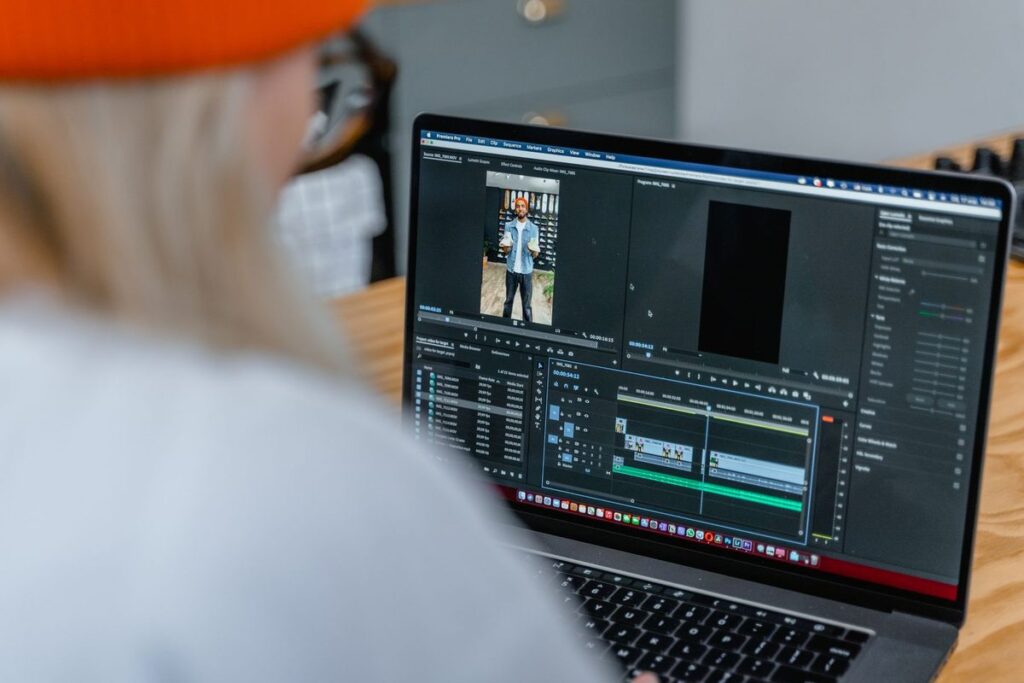
AI can’t watch your video, but it can work from a transcript, and some editing tools now suggest clips for you. Our guide to turning a long video into short clips explains both ways.
Blogs and newsletters
Written content still matters, because it can be found on Google for years and it’s yours rather than a platform’s. If you want a home base, read how to start a blog with AI, how to write blog posts that rank on Google, and how to write a newsletter people open. For help with any other writing, our complete guide to writing anything with AI covers emails, messages and more.
Brand deals, side income and the business side
Once you have an engaged audience, even a small one, brands may get in touch, or you may want to pitch them yourself.
Prompt: A short, honest brand pitch
Help me write a short pitch email to [brand].
About me: [your platform, topic, rough audience size and who they are, using my real numbers]
Why this brand: [why you genuinely use or like it]
My idea: [e.g. one Reel and three stories showing how I use the product in my weekly routine]

Keep it under 150 words, friendly and specific. Don't exaggerate my numbers or promise results. End with one simple question.
Our guide to pitching brand sponsorships has a full template and tips on rates. Two things to get right from day one:
- Label ads clearly. In the UK, the Advertising Standards Authority’s influencers’ guide, written with the Competition and Markets Authority, explains when paid posts, gifts and affiliate links count as advertising and how to label them. AI won’t do this for you, so add “Ad” clearly yourself.
- Keep track of money. GOV.UK explains that you can earn up to £1,000 a year in trading income tax-free under the trading allowance, but above that you’ll usually need to tell HMRC, and there are cases where you must register for Self Assessment even below it. Our guides to organising receipts and expenses as a freelancer and doing your Self Assessment tax return help with the paperwork.
If you’d like to turn what you know into a product, AI can also help you outline an eBook or online course, and our guide to planning side hustle income helps you work out whether it’s worth it.
Where AI gets content wrong
Being honest about this will save your reputation.
- Made-up facts and sources. AI can confidently quote statistics, dates or studies that don’t exist. If a script includes a number, find the real source or cut it.
- Same-sounding content. Lots of people use the same tools with similar prompts, so unedited AI content tends to sound alike. Your stories, opinions and mistakes are what make you different.
- Out-of-date trends. A chatbot doesn’t know what’s trending on TikTok this week. Use it for structure, and the app itself for trends.
- Copyright and other people’s work. Don’t ask AI to copy another creator’s script or style closely, and don’t use music, clips or images you don’t have the rights to.
- Fake realism. Realistic AI images and video of real people or events can mislead your audience and break platform rules if you don’t label them.
- Privacy. Don’t paste private messages, customer details or your children’s personal details into a chatbot, and think carefully before showing children in your content at all.
Your weekly AI workflow
Here’s a simple routine that works for many part-time creators. Adjust the days to suit you.
- Monday, 20 minutes: paste last week’s comments and questions into AI and pull out ideas.
- Tuesday, 30 minutes: choose one main piece and get an outline and hooks.
- Weekend, 2 hours: film or record it in your own words, using the outline as a guide.
- Weekend, 1 hour: edit, then use the transcript to plan clips, captions and a newsletter section.
- During the week, 10 minutes a day: post, reply to comments and save good questions for next week.
That’s under five hours a week for one main piece and several short posts. If you need a better starting point for your prompts, our guide to writing better prompts works for content as well as work.
Which AI tools should creators use?
You don’t need many. Start with one chatbot and one design tool.
- ChatGPT, Claude or Gemini for ideas, outlines, scripts and captions. The free plans are enough to start. New to them? Our complete beginner’s guide to using AI in everyday life explains how to get going.
- Canva for thumbnails, carousels, simple videos and brand kits.
- Your platform’s own tools. YouTube Studio, TikTok and Instagram all have built-in editing features and analytics. Check what’s available in your app before paying for something extra.
Whatever you use, the rule is the same: AI helps you make the thing, but you’re the reason people watch.
Try it yourself with ChatGPT
I'm making a [length, e.g. 8-minute] [YouTube video / 45-second Reel] called "[working title]".
My audience: [who they are]
My main points, in my own words:
[paste your bullet points, stories and examples]

First, give me 5 possible opening hooks of one or two sentences each.
Then write an outline with timings for each section.
Then write a script using my points and stories only. Keep my plain, chatty style, use short sentences that are easy to say out loud, and mark where I should show something on screen. Add [CHECK] anywhere you've added a fact I didn't give you.
Get the free AI Agents Playbook
50 practical AI workflows, plus one practical how-to a week in your inbox.
Free. No spam. Unsubscribe any time.
Related guides
- How to Use AI to Plan a Content Calendar as a Creator
- How to Use AI to Write a YouTube Video Script
- How to Use AI to Come Up with TikTok and Reels Ideas
- How to Use AI to Plan a Podcast Episode
FAQ
Is it OK to use AI to make content?
Yes. Lots of creators use AI for ideas, outlines and editing. Just make sure the final piece is accurate, sounds like you, and follows the platform’s rules on AI labels.
Will YouTube or TikTok punish me for using AI?
Not just for using it. YouTube says disclosing realistic AI content won’t limit your audience on its own, and TikTok says turning on its AI-generated label won’t affect distribution, as long as the content follows its Community Guidelines. Problems come from not labelling realistic AI content or using it to mislead.
Can AI write my whole script?
It can, but the result usually sounds generic. You’ll get much better results by giving it your own points and stories, and then rewriting the draft out loud in your own words.
Do I need to say if I used AI for my captions or scripts?
YouTube and TikTok focus on realistic AI images, video and audio, not on whether AI helped you write a caption. Paid posts are different: they must be clearly labelled as ads.
Reference: YouTube Help: Disclosing the use of GenAI content, TikTok Support: About AI-generated content, ASA and CAP: Influencers’ guide to making clear that ads are ads, GOV.UK: Tax-free allowances on property and trading income, OpenAI Help: Does ChatGPT tell the truth?